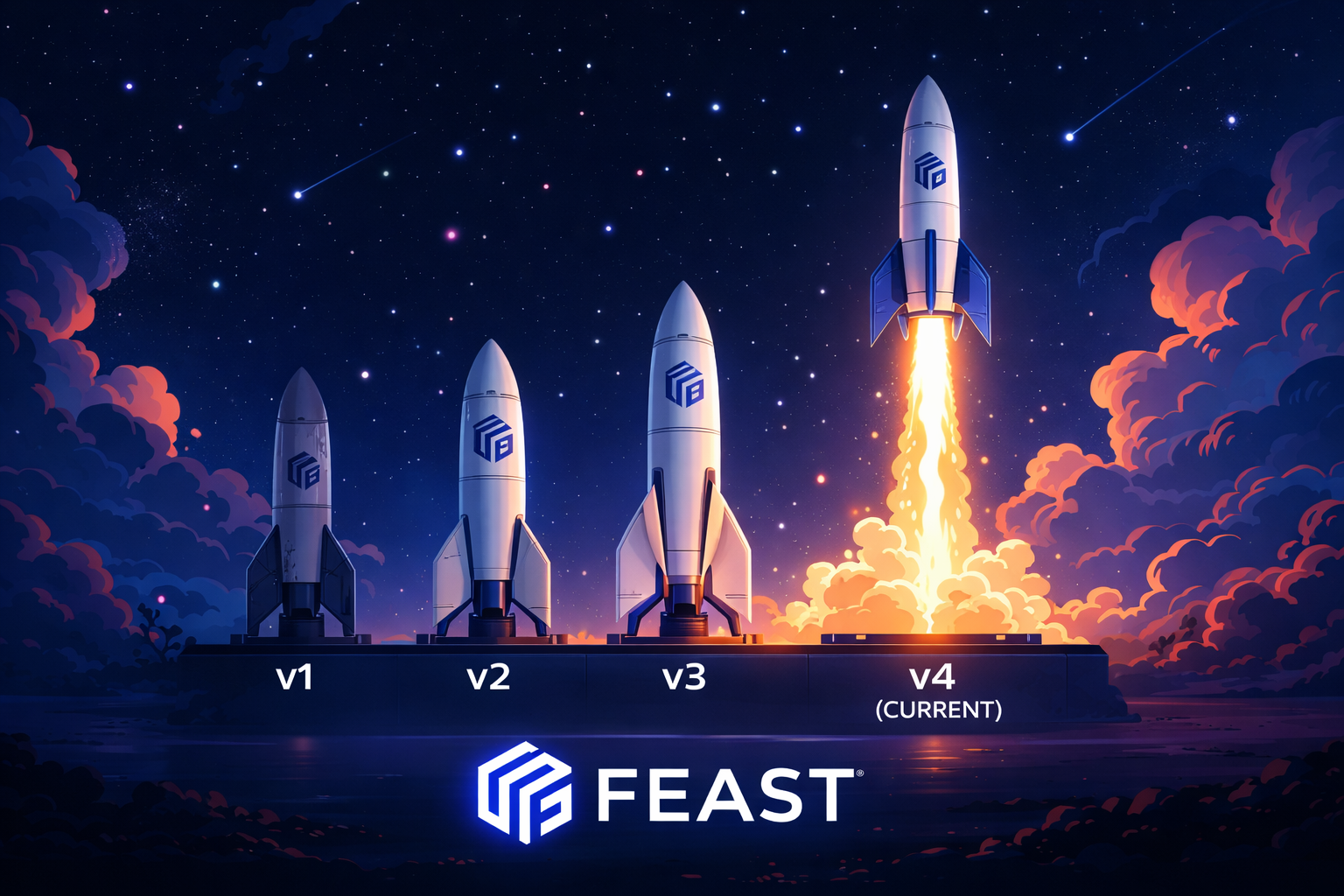
Feast Introduces Experimental Feature View Versioning 🚀
We are excited to announce the experimental release of Feature View Versioning in Feast — a long-requested capability that brings automatic version tracking, safe rollback, and multi-version online serving to your feature store.
This feature is still experimental and we would love to hear your feedback. Try it out and let us know what works, what doesn’t, and which online stores you’d like to see supported next.
Why Feature Versioning Matters
Serving data in production AI applications is one of the hardest problems in ML engineering. The Feast community is built on practitioners who run these high-stakes pipelines every day — where point-in-time correctness is not just a nice-to-have but a hard requirement for model integrity. A feature value seen by the wrong model at the wrong time can silently corrupt predictions and, in high stakes scenarios, impact critical business applications. This is the most important motivating factor behind our versioning work.
Feature versioning solves two distinct but equally real problems:
Case 1: Fixing Forward in Production (the critical path)
A live feature view powering a production model needs to be updated — perhaps a critical bug in a transformation logic, a renamed column, or a changed data source. In an ideal world you’d cut over to a brand-new feature view and update every downstream consumer atomically. In practice that’s rarely viable: models are already deployed, consumers are already reading that name, and a rename causes an immediate outage.
With feature versioning you can overwrite the existing feature view definition while retaining the complete history as a recoverable snapshot. If the change turns out to break something, you can roll back to the previous version. You always have an audit trail: who changed what, when, and what the feature looked like at every prior point in time.
This case is the hardest to get right. When your feature is live in production, correctness is non-negotiable. The materialized data that feeds real-time predictions must stay consistent with the schema that was active when it was written — otherwise you risk serving stale rows with the wrong columns to models that expect the new schema, or vice versa. Our per-version table design (see below) exists precisely to prevent that class of failure.
Case 2: Offline Experimentation Before Production
During active feature development, multiple data scientists may be building and evaluating competing versions of the same feature simultaneously — different transformations, different data sources, different schemas. Today there is no first-class way to manage this in Feast without creating separate feature views with different names and hoping teams don’t collide.
With versioning, teams can stage a new feature version using --no-promote, test it in isolation, and only promote it to the active (default) definition once it has been validated. The rest of the system sees no change until the promotion happens.
The Persistent Pain Points
Both cases expose the same underlying gaps that exist today:
- No audit trail. Teams struggle to answer “what did this feature view look like last week?” or “when was this schema changed and by whom?”
- No safe rollback. If a schema change breaks a downstream model, the only recourse is to manually reconstruct the old definition — often from memory or version control history.
- No multi-version serving. During a migration, Model A might rely on the old feature schema while Model B needs the new one. Without versioning, serving both simultaneously requires duplicating the entire feature view under a different name.
How It Works
Version tracking is fully automatic. You don’t need to change anything about how you write or apply feature views:
feast apply                  # First apply → saved as v0
# ... edit schema ...
feast apply                  # Detects change → saved as v1
feast apply                  # No change detected → still v1 (idempotent)
# ... edit source or UDF ...
feast apply                  # Detects change → saved as v2
Every time feast apply detects a real change to a feature view’s schema or transformation logic, it automatically saves a versioned snapshot to the registry. Metadata-only changes (description, tags, TTL) are updated in place without creating a new version.
What Gets Versioned
- Changes to the feature schema (adding, removing, or renaming fields)
- Changes to batch or stream data sources
- Changes to on-demand feature view UDFs
- Any other structural change that affects data layout or derivation
What Does Not Trigger a New Version
- Tag or description updates
- TTL changes
- Re-applying an identical definition (idempotent behavior)
Exploring Version History
You can list all recorded versions of a feature view from the CLI:
feast feature-views list-versions driver_statsVERSION TYPE CREATED VERSION_ID
v0 feature_view 2026-01-15 10:30:00 a1b2c3d4-...
v1 feature_view 2026-01-16 14:22:00 e5f6g7h8-...
v2 feature_view 2026-01-20 09:15:00 i9j0k1l2-...Or programmatically:
store = FeatureStore(repo_path=".")
versions = store.list_feature_view_versions("driver_stats")
for v in versions:
    print(f"{v['version']} created at {v['created_timestamp']}")
Multi-Version Online Serving
When enable_online_feature_view_versioning: true is set in your feature_store.yaml, you can read features from a specific version using the @v<N> syntax:
registry:
  path: data/registry.db
  enable_online_feature_view_versioning: true
online_features = store.get_online_features(
features=[
"driver_stats:trips_today", # latest version (default)
"driver_stats@v1:trips_today", # read from v1
"driver_stats@v2:avg_rating", # read from v2
],
entity_rows=[{"driver_id": 1001}],
)Multiple versions can be queried in a single call, making gradual migrations straightforward: keep serving the old version to existing consumers while routing new consumers to the latest. By default, unversioned requests always resolve to the latest promoted version — opting into a specific version requires the explicit @v<N> syntax.
Online Store Table Naming
Each version owns its own isolated online table (see The Challenges of Correctness below for why this design is necessary for point-in-time correctness):
- v0 continues to use the existing, unversioned table (e.g.,
project_driver_stats) — fully backward compatible - v1 and later use suffixed tables (e.g.,
project_driver_stats_v1,project_driver_stats_v2)
Each version requires its own materialization:
feast materialize --views driver_stats --version v2 <start_date> <end_date>Safe Rollback
You can pin a feature view to a specific historical version by setting the version parameter. feast apply will replace the active definition with the stored snapshot:
# Revert to v1 — restores schema, source, and transformations from the v1 snapshot
driver_stats = FeatureView(
    name="driver_stats",
    entities=[driver],
    schema=[...],
    source=my_source,
    version="v1",
)
After running feast apply, the active feature view will match the v1 snapshot exactly. Remove the version parameter (or set it to "latest") to resume auto-incrementing behavior.
Staged Publishing with --no-promote
For breaking schema changes, you may want to publish a new version without immediately making it the default for unversioned consumers. Use the --no-promote flag:
feast apply --no-promoteThis saves the version snapshot without updating the active definition. Unversioned consumers (driver_stats:trips_today) continue reading from the previous version, while opted-in consumers can start using driver_stats@v2:trips_today right away. When you’re ready to make the new schema the default, run feast apply without the flag.
The Challenges of Correctness in Feature Versioning
Feature versioning might sound simple in principle, but getting it right is surprisingly hard, especially for materialization. This is particularly acute for Case 1 above — production systems where the consistency of data matters and the cost of a mistake is high.
Why We Can’t Share a Single Online Table
The naive approach to versioning would be to keep a single online table and tag rows with a version column. We explicitly rejected this design.
Each version of a feature view may have a completely different schema — different columns, different types, different derivation logic. A single shared table would require the union of all column schemas across all versions, leading to sparse rows, broken type contracts, and materialization jobs that cannot safely run in parallel. More fundamentally, it makes point-in-time correctness impossible: a model trained against v1 of a feature must retrieve v1 rows, not v2 rows that happen to occupy the same table.
Instead, we give each version its own online table:
- v0 continues to use the existing, unversioned table (e.g.,
project_driver_stats) — fully backward compatible - v1 and later use suffixed tables (e.g.,
project_driver_stats_v1,project_driver_stats_v2)
This is more operationally complex — more tables to manage, more materialization jobs to schedule — but it is the only design that guarantees correctness. Each version’s materialized data is isolated, independently freshed, and independently queryable. A buggy v2 materialization cannot corrupt v1 data.
The Core Tension
Each version of a feature view may have a completely different schema, source, or transformation. This means:
- Each version needs its own online store table with the right columns
- Materializing one version must not corrupt data in another version’s table
- Version-qualified online reads must resolve the snapshot at the right point in time before looking up the online table
- The active (promoted) version and historical snapshots must stay consistent
Materialization Complexity
Today, running feast materialize without specifying a version fills the active version’s table. To populate a historical version’s table, you must explicitly pass --version v<N> so Feast can reconstruct the schema from the saved snapshot and target the correct online table.
This matters for correctness: if you apply v2 of a feature view (which drops a column) and then run an unversioned feast materialize, the v1 online table is not automatically backfilled or maintained. Teams need to think carefully about which versions they want to keep materialized and for how long.
What This Means for Clients
The multi-table design does introduce a responsibility shift toward the client. By default, unversioned feature requests (driver_stats:trips_today) resolve to the latest promoted version — no change to existing consumers. But clients that need to pin to a specific version must opt in explicitly using the @v<N> syntax (driver_stats@v1:trips_today).
This is an intentional design choice. Automatic version following would hide schema changes from consumers that may not be ready for them. Explicit version pinning keeps the contract between producers and consumers clear and auditable — each consumer controls exactly which version of a feature it reads.
Tradeoffs
| Concern | Tradeoff |
|---|---|
| Storage cost | Each active version requires its own online table — storage scales with the number of versions kept live |
| Operational complexity | Teams must manage materialization schedules per version |
| Consistency windows | Because each version has its own materialization job, two versions of the same feature for the same entity may have different freshness |
| Concurrency | Two simultaneous feast apply calls can race on version number assignment — the registry backends use optimistic locking to handle this, but teams should be aware |
These tradeoffs are real and we’re still refining the model based on community experience. We’ve tried to make the defaults safe (versioning is opt-in for online reads, backward compatible for unversioned access) while giving teams the controls they need.
Current Limitations
This is an experimental feature and there are known gaps:
- Online store support — Version-qualified reads (
@v<N>) are SQLite-only today. We plan to add Redis, DynamoDB, Bigtable, Postgres, and others based on community demand. If you need a specific store, comment or upvote on the appropriate the child GitHub issue of the main GitHub issue and let us know. - Offline store versioning — Versioned historical retrieval is not yet supported.
- Version deletion — There is no mechanism today to prune old versions from the registry.
- Feature services — Feature services always resolve to the active (promoted) version.
--no-promoteversions are not accessible through feature services until promoted.
Supported Feature View Types
Versioning works across all three feature view types:
FeatureView(andBatchFeatureView)StreamFeatureViewOnDemandFeatureView
Getting Started
- Upgrade to the latest version of Feast.
- Add
enable_online_feature_view_versioning: trueto your registry config infeature_store.yaml(only needed for versioned online reads). - Run
feast applyas usual — version history tracking starts automatically. - Explore your version history with
feast feature-views list-versions <name>.
For full details, see the Feature View Versioning documentation.
Share Your Feedback
We want to hear from you! Try out feature view versioning and tell us:
- Which online stores you need supported next
- Which workflows feel awkward or incomplete
- How the materialization model fits your real-world pipelines
Join the conversation on GitHub or in the Feast Slack community. Your feedback directly shapes what we build next.